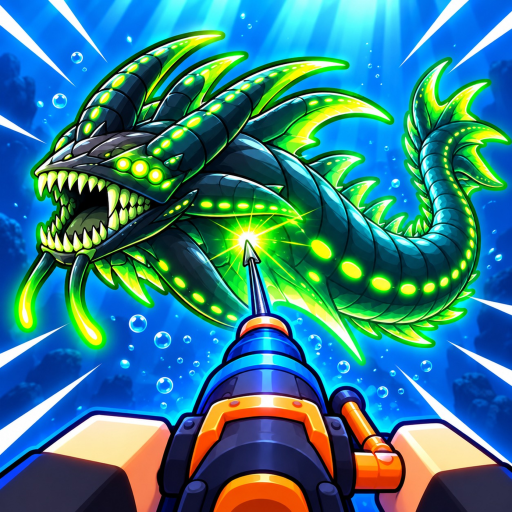
Harpoon a Fish Controls: Firing, Reeling and Returning
Controls
- PC inputs: The PC tutorial demonstrates clicking to fire and Space to return to the surface.
- Reeling: Reeling uses the timing prompt shown during the capture attempt.
- Other layouts: Use the equivalent on-screen actions on touch or controller layouts; PC keys are device-specific.
Learn the actions before memorizing a key list
The core capture controls serve three actions: aim at a fish, fire the harpoon and time the reel. Harpoon a Fish’s official instructions name those actions directly. Learn where the first action ends and the next begins, because hitting a fish and landing it are separate parts of the attempt.
The demonstrated PC tutorial uses a click to fire at the marked target. It then continues through the catch instead of immediately asking for a different fish. Use the tutorial arrow to stay with the intended interaction. When the game moves you between water and island tasks, the action you are trying to perform changes too; an island interaction is not another fishing input.
Return to the island with the PC surface action
On PC, press Space to return to the surface. This makes returning an ordinary part of the session: dive for a catch, come back and continue with the aquarium, table or reward menu. You do not need to stay underwater simply because another fish is visible.
Use the return action when the next task is on land or when the dive no longer serves your current goal. For instance, the tutorial takes a completed catch into the pet and dining tasks. Staying in the water at that point postpones the thing you came back to do. The beginner guide follows that first-session order in more detail.
| Situation | PC input or action |
|---|---|
| Fire at the tutorial target | Click to fire. |
| Pull in the connected fish | Follow the timed reel prompt. |
| Return to the surface | Space in the PC tutorial. |
Keep keyboard and device controls separate
If you use a touch or controller layout, find the action for firing, the active reel prompt and the way to return before committing to a difficult target.
Keep the same action sequence as your reference. A changed input layout does not turn the initial shot into a completed catch. It is more useful to know that you are in the reeling phase than to copy a keyboard binding that your device does not have. For touch play, give the active prompt room to remain visible instead of covering it while aiming.
Use island prompts for the task you selected
The tutorial demonstrates interaction prompts while placing catches, buying the Mukbang table and continuing crafting tasks. Follow the prompt attached to the object you are using. The video also shows equipment management and extra slots, which belong to managing the set you take fishing rather than to the timed reel itself.
If an action seems to do nothing, first check that you are using the intended object and that the previous task finished. A connected fish still being reeled, a table not yet purchased and an equipment menu are three different situations. Once the firing and return controls feel familiar, move to timed reeling, where finishing the catch becomes the main practice goal.